
Crucible
Multi-LLM orchestration for reviews, deliberation, and workflows
Crucible orchestrates multiple LLM instances in collaborative sessions. Use it for peer reviews where multiple models evaluate the same artifact, structured deliberations that converge on decisions, interactive multi-agent chat, and batch workflows with complex task dependencies.
What is multi-LLM orchestration?
Multi-LLM orchestration runs multiple LLM instances in coordination rather than isolation. Instead of one model producing output, several models contribute perspectives that are synthesized into a stronger result.
Crucible manages the session lifecycle: instance provisioning, turn ordering, shared context, artifact exchange, convergence tracking, and synthesis. The orchestration layer handles provider differences so session participants interact through a uniform interface regardless of the underlying model.
Session types
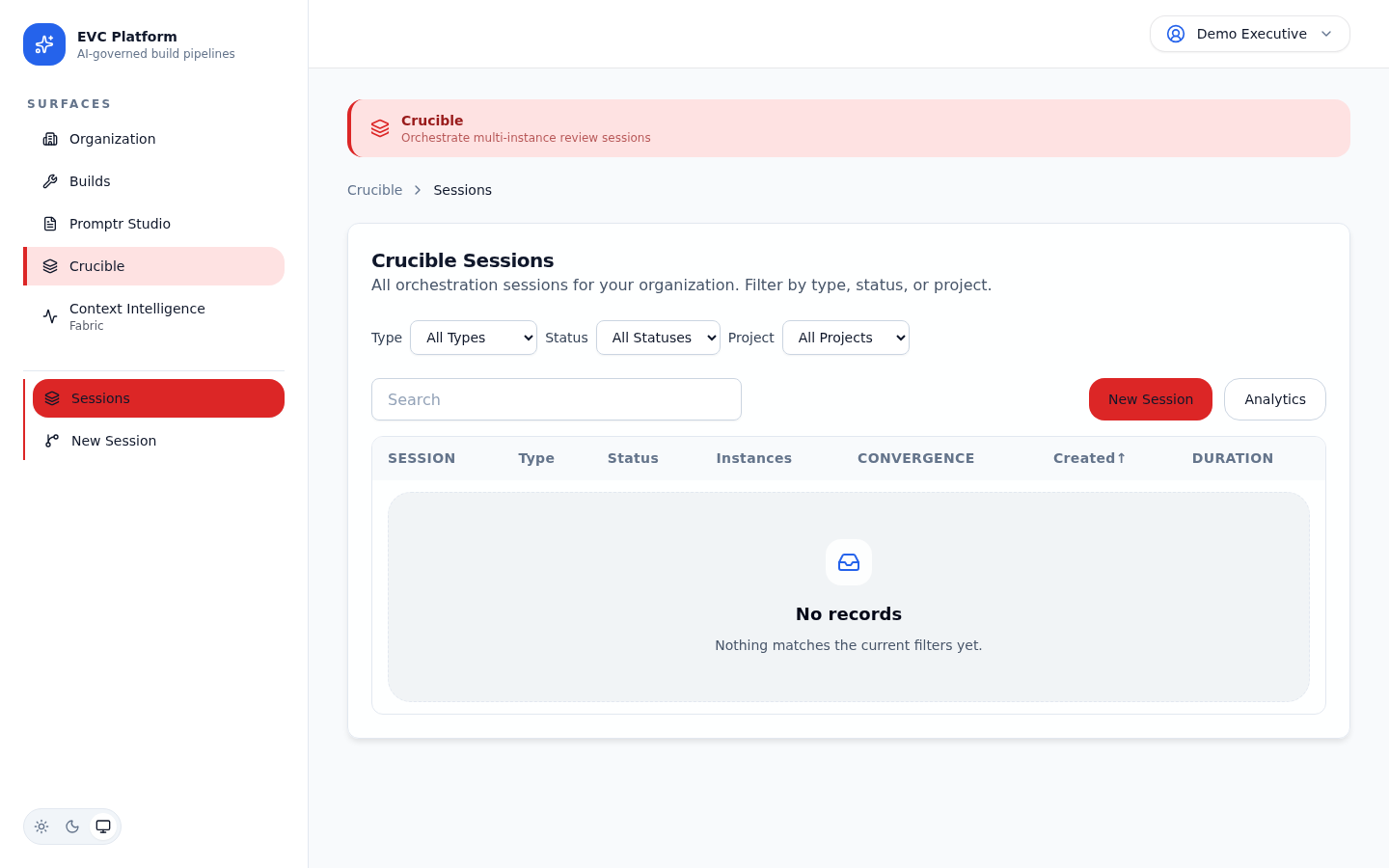
Crucible supports five session types, each designed for a different collaboration pattern.
Review
Multiple models independently evaluate an artifact and produce structured findings. Findings are deduplicated and ranked by severity.
Deliberation
Models engage in multi-round discussion to converge on a decision. Each round narrows disagreement until consensus or maximum rounds are reached.
Interactive Chat
A real-time multi-agent conversation where models can address each other, share artifacts, and build on previous contributions.
Batch Workflow
A DAG-based execution where tasks are distributed across models with defined dependencies. Outputs from one task feed into downstream tasks.
Certification
A formal verification session where models independently certify whether an artifact meets a defined quality standard.
[Screenshot: Session type selector showing all five types with descriptions — pending capture]
Creating a session and configuring the instance roster
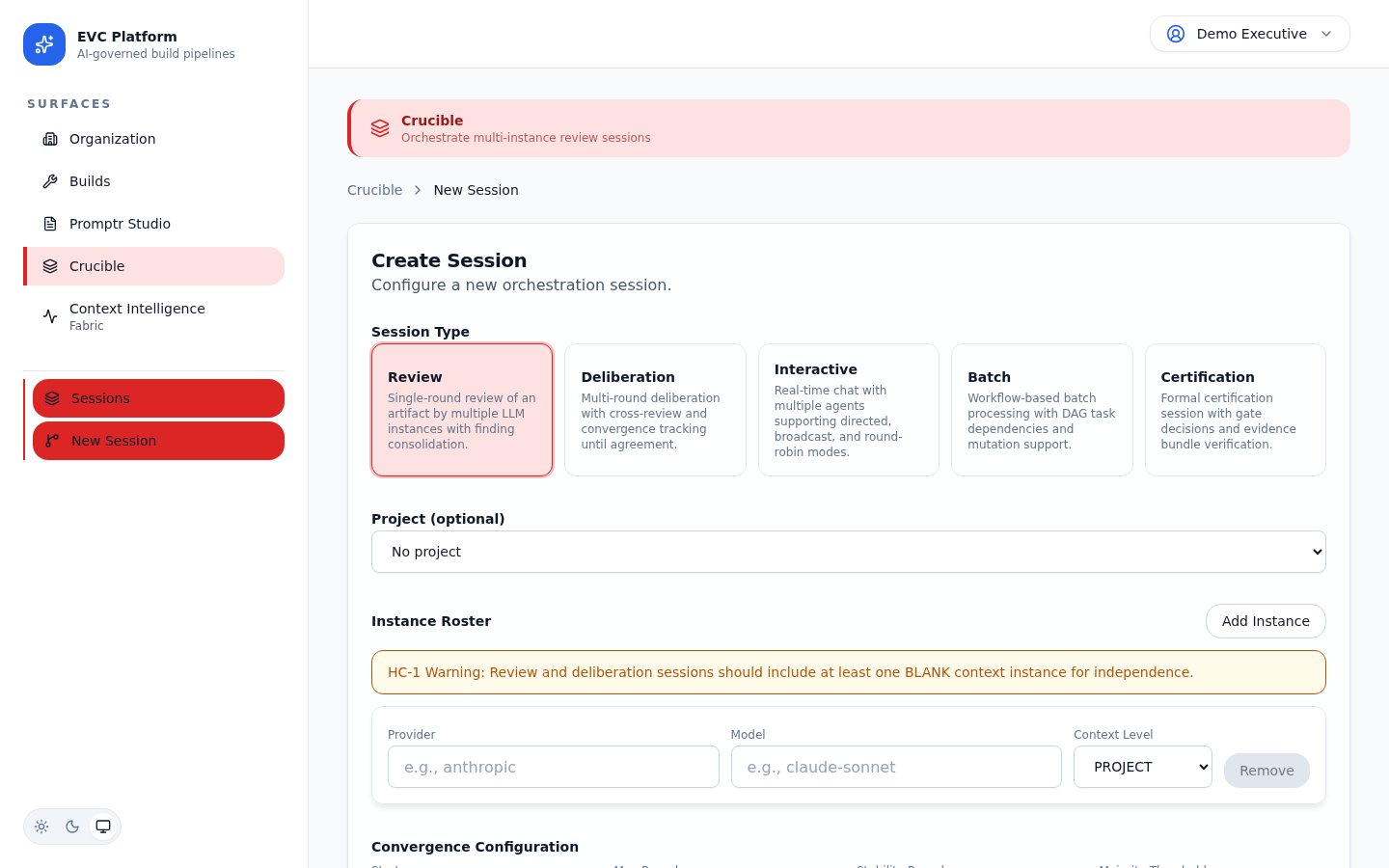
Sessions are created within a project context. You choose the session type, configure the instance roster (which models participate), and define session-specific parameters.
- Navigate to Crucible from the project sidebar and click New Session.
- Select a session type (review, deliberation, etc.).
- Configure the instance roster: add models from different providers, assign roles (lead, reviewer, synthesizer), and set parameters.
- Upload or reference the artifacts that instances will work with.
- Click Start Session to begin orchestration.
[Screenshot: Session creation form with type selector and instance roster configuration — pending capture]
[Screenshot: Instance roster editor showing three models with assigned roles — pending capture]
Interactive chat
Interactive chat sessions provide a real-time conversation surface where multiple LLM instances communicate with each other and with human participants.
Turn modes
Turn modes control how conversation flow is managed. Round-robin gives each instance a turn in sequence. Free-form lets instances respond whenever they have relevant input. Moderated requires a human to approve each turn before it executes.
[Screenshot: Interactive chat showing messages from three different LLM instances — pending capture]
Shared artifacts and agent-to-agent messaging
Instances can share artifacts (code, documents, data) within the session. Agent-to-agent messaging allows instances to address specific participants, request clarification, or delegate subtasks.
[Screenshot: Shared artifact panel showing code file being discussed by two agents — pending capture]
Deliberation
Deliberation sessions run structured multi-round discussions designed to converge on a decision. They are the primary mechanism for multi-LLM quality reviews and gate decisions.
Rounds
Each round collects independent assessments from all instances, then produces a synthesis. Round definitions are immutable once published. Findings maintain stable IDs across rounds so reviewers can track how positions evolve.
Convergence
The platform tracks agreement across rounds. When all instances agree on the key findings (convergence), the deliberation can close with a synthesized outcome. If convergence is not reached within the maximum number of rounds, the session closes with a divergence report.
[Screenshot: Convergence tracker showing agreement percentages across rounds — pending capture]
Synthesis
The final synthesis combines findings from all rounds into a single decision artifact with supporting evidence, dissenting views, and confidence levels. The synthesis is attached to the session record and can be referenced by downstream builds or gate decisions.
Batch workflows
Batch workflows define a directed acyclic graph (DAG) of tasks distributed across LLM instances. Tasks execute in dependency order with outputs flowing into downstream tasks.
DAG definition
Define the workflow as a set of tasks with explicit dependencies. Each task specifies its input (from a parent task or session context), the assigned model, and the prompt. The platform validates the DAG for cycles before execution.
[Screenshot: Workflow DAG editor showing task nodes with dependency arrows — pending capture]
Task dependencies and mutations
Tasks can depend on the output of one or more upstream tasks. Mutations allow a task to transform its input before passing it downstream, enabling data pipelines that reshape output at each stage.
[Screenshot: Task detail showing dependencies, input mapping, and mutation configuration — pending capture]
Gate decisions and approvals
Crucible sessions can produce gate decisions that control downstream workflow progression. A gate decision is a binary pass/fail outcome backed by the session evidence.
Gate decisions are typically produced by deliberation or certification sessions. The decision artifact includes the outcome, supporting evidence, dissenting views (if any), and the synthesis that led to the conclusion. Human approvers can review and override gate decisions before they take effect.
[Screenshot: Gate decision panel showing pass/fail outcome with evidence summary — pending capture]
Session analytics
Every session captures detailed analytics including token usage per instance, round timing, convergence velocity, and total session cost.
The session detail page shows a cost breakdown by instance, a timeline of round execution, and convergence metrics. Use these analytics to optimize instance roster composition and session parameters.
[Screenshot: Session analytics showing per-instance cost, round timing, and convergence chart — pending capture]