
Intelligence (CIF)
Token tracking, budgets, and cost analytics
The Common Intelligence Framework (CIF) is the observability and cost management layer of the EVC Platform. It tracks every LLM call, enforces budgets, provides cost analytics, manages provider routing, and monitors provider health across the entire organization.
Token tracking and call logging
Every LLM call across the platform is logged with full token accounting. CIF captures input tokens, output tokens, model, provider, latency, and cost for every call regardless of whether it originates from a build, a Crucible session, or a Promptr Studio playground execution.
The call log provides a searchable, filterable table of every LLM interaction. Filter by project, user, provider, model, or date range. Each entry links back to the originating build or session for full traceability.
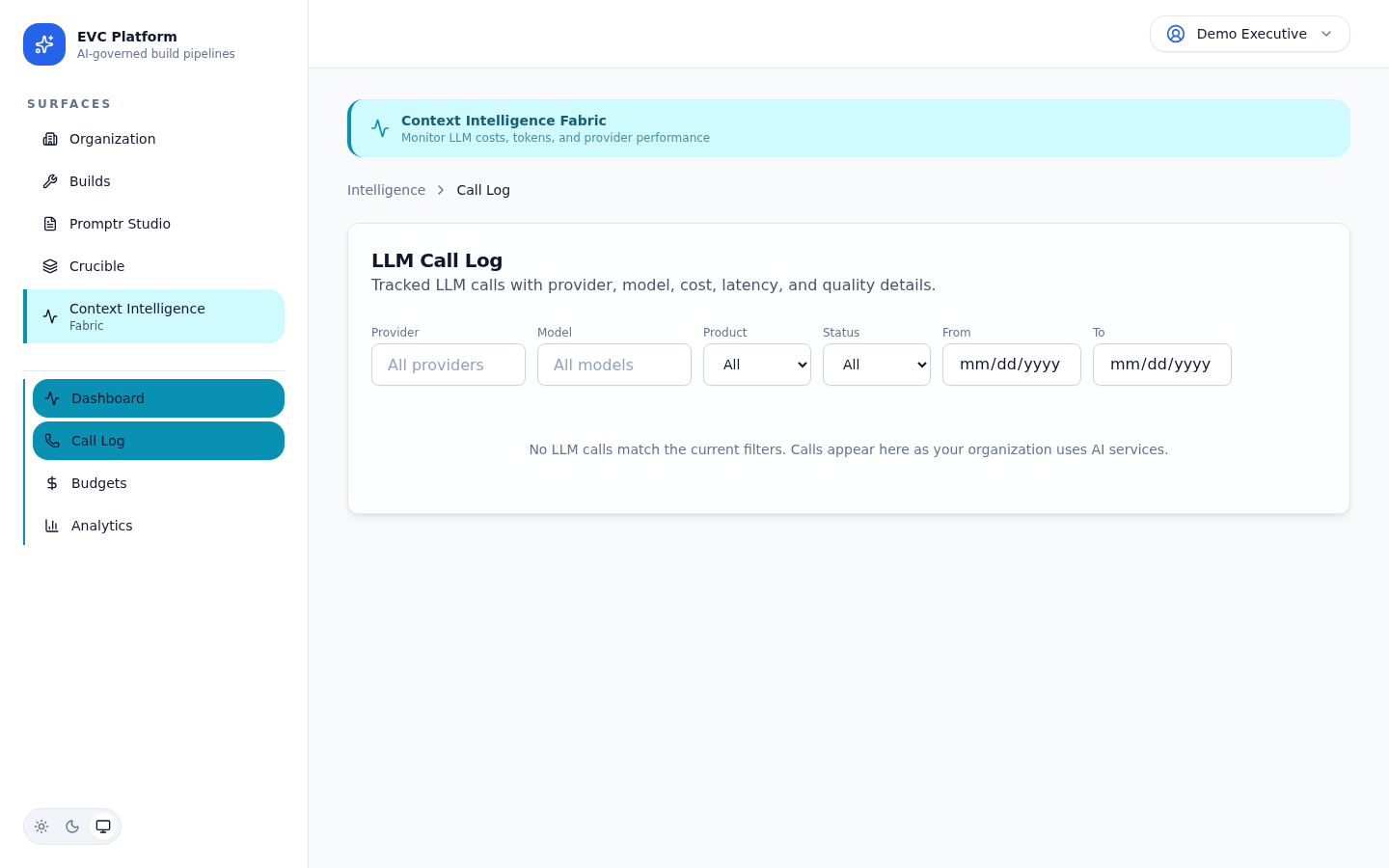
Token counts are reported by the LLM provider and recorded without modification. The platform does not estimate tokens; it uses the provider-reported values from each response.
[Screenshot: Call detail view showing full token breakdown, latency, and linked build — pending capture]
Budget configuration and enforcement
Set spending limits at the organization, project, or user level. CIF enforces budgets in real time by checking available balance before every LLM call.
Budget levels
- Organization budget — the total spend cap for the billing period. All activity across all projects counts against this limit.
- Project budget — a per-project allocation within the organization budget. Prevents one project from consuming the entire allocation.
- User budget — optional per-user caps for controlling individual usage.
Enforcement behavior
When a budget is exhausted, new LLM calls are rejected with a clear error message. In-flight builds that hit the budget limit fail gracefully with a budget-exceeded status. Notifications are sent when budgets reach 80% and 100% of the configured limit.
[Screenshot: Budget usage meter showing current spend against limit with warning threshold — pending capture]
Cost analytics and provider comparison
CIF provides dashboards for analyzing LLM spend across dimensions: time, project, user, provider, and model. Use these analytics to optimize cost-efficiency and identify spending trends.
The cost analytics dashboard shows total spend over time with breakdowns by provider, model, and project. Compare providers to see which offers the best cost-per-quality ratio for your workloads.
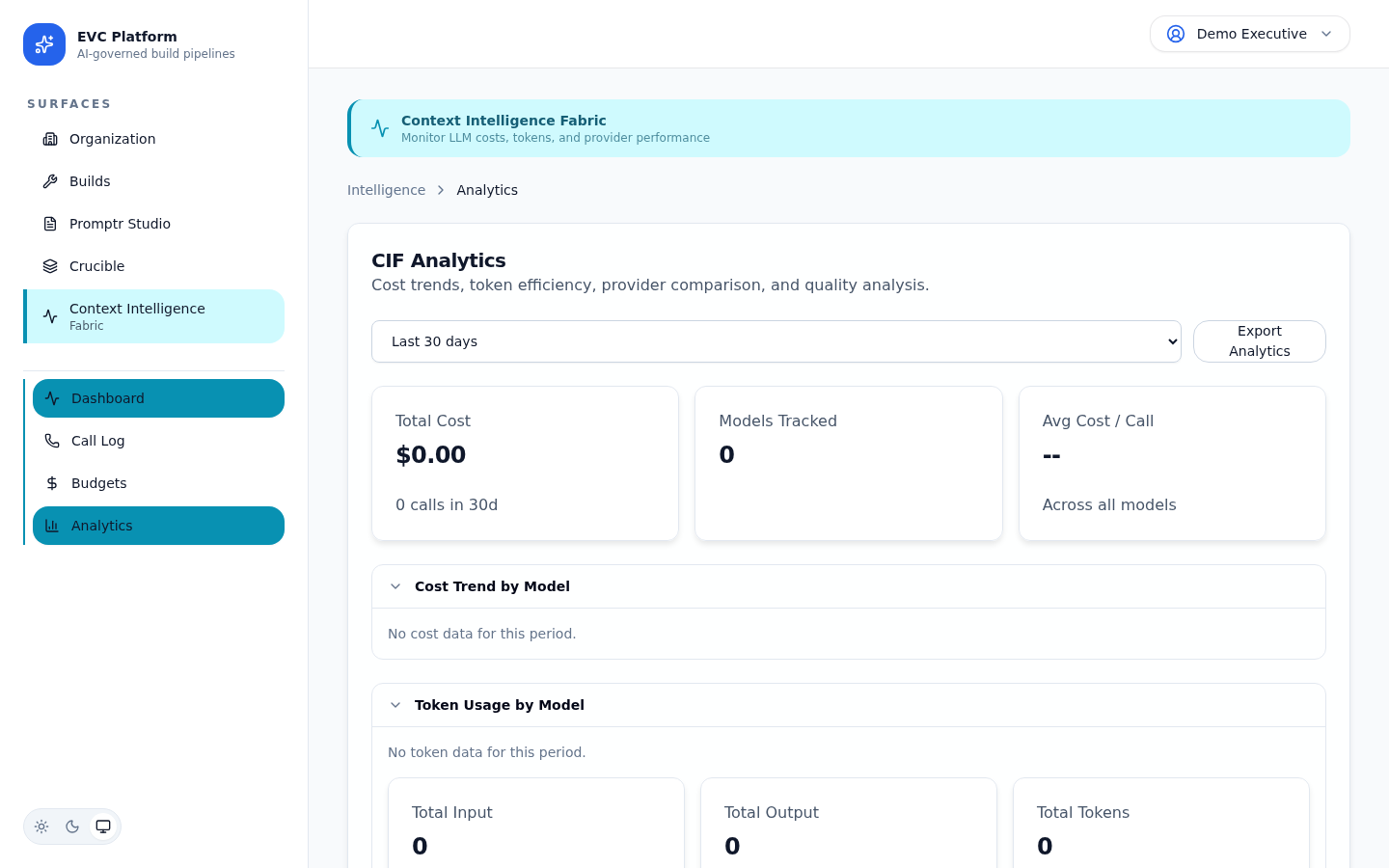
The provider comparison view shows side-by-side metrics for each provider: average cost per call, average latency, token efficiency, and error rate. Use this data to inform provider routing decisions.
Provider routing policies
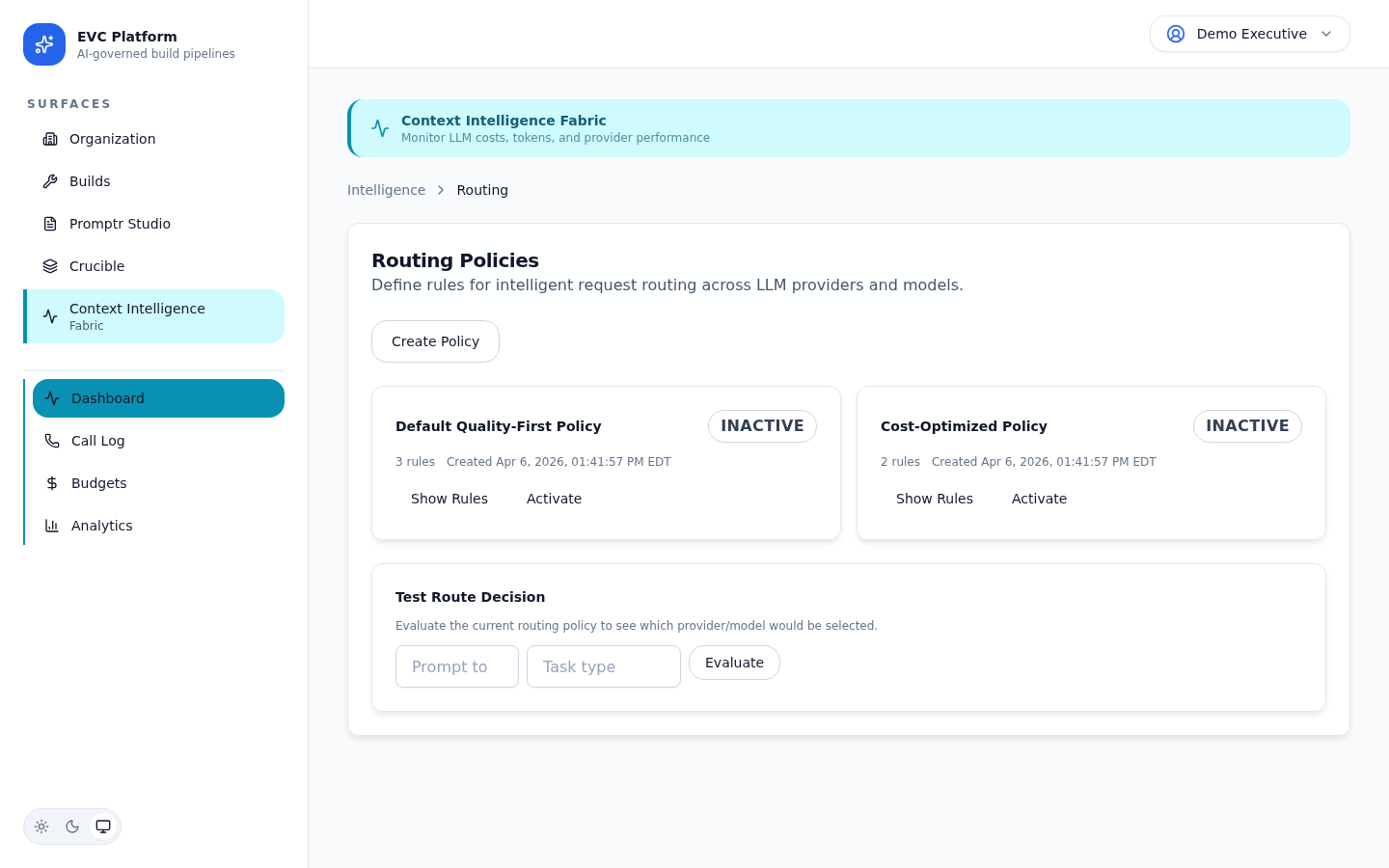
Routing policies control which provider and model are used for different types of work. Configure policies at the organization or project level to balance cost, quality, and availability.
Policy types
- Cost-optimized — routes to the lowest-cost provider that meets the minimum quality threshold.
- Quality-optimized — routes to the highest-rated provider regardless of cost.
- Latency-optimized — routes to the fastest-responding provider.
- Manual — always uses the explicitly specified provider and model.
Provider health monitoring
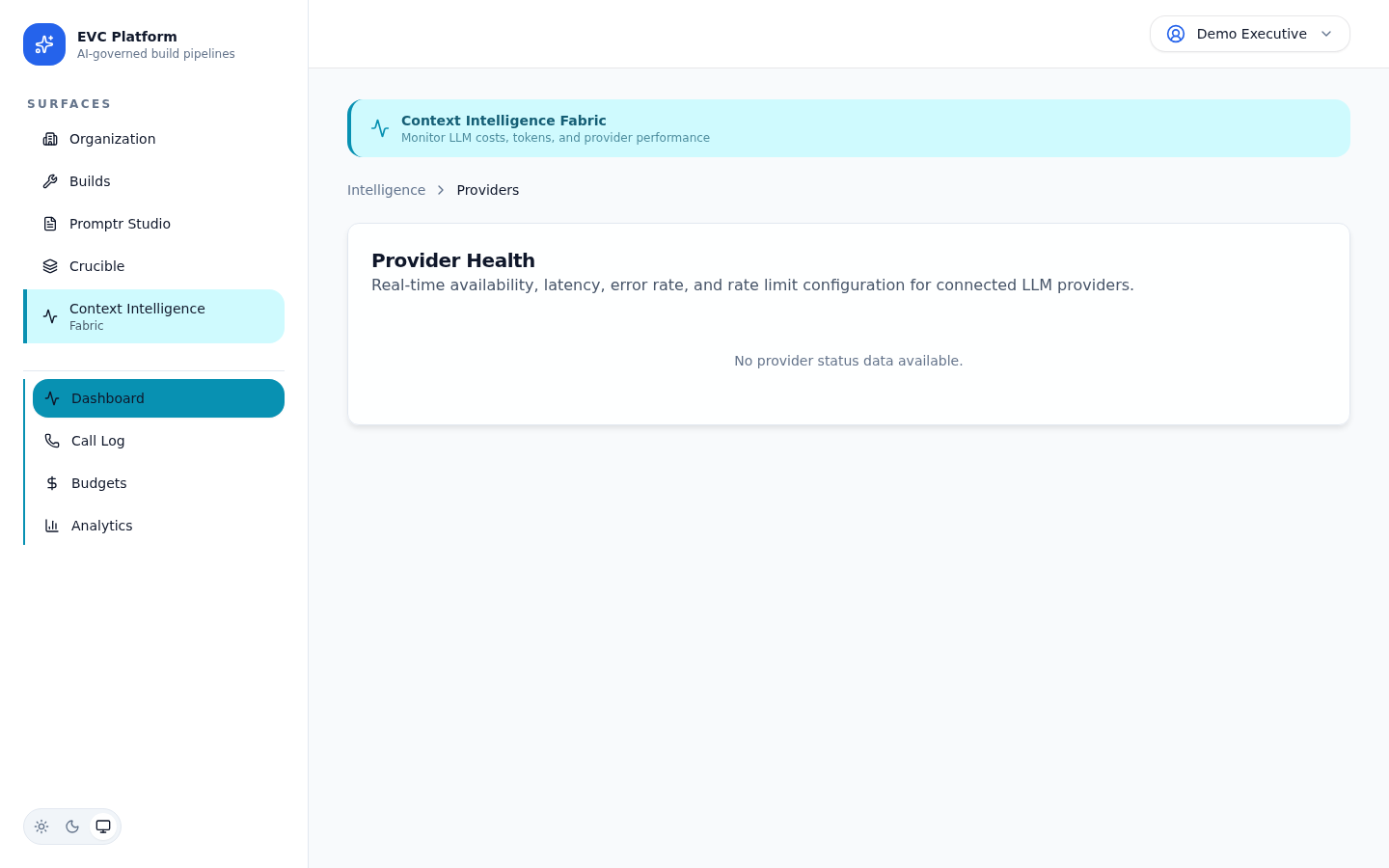
CIF continuously monitors the health and availability of configured LLM providers. Health data feeds into routing decisions and surfaces in the organization dashboard.
The provider health dashboard shows real-time status for each configured provider: availability, current latency, error rate, and rate limit utilization. Historical data shows uptime trends and incident windows.
When a provider experiences degraded performance or outage, the routing layer can automatically fail over to an alternative provider if a routing policy with fallback is configured.
[Screenshot: Provider health history showing uptime percentage and incident timeline — pending capture]
SDK integration
For teams that call LLM providers directly in their own applications, the CIF SDK provides a drop-in wrapper that routes calls through the platform for tracking, budget enforcement, and analytics.
The SDK wraps your existing provider SDK calls and adds transparent instrumentation. Token counts, costs, and latency are reported to CIF without changing your application logic. Budget enforcement applies the same rules as platform-native calls.
[Screenshot: SDK integration code example showing wrapper initialization and usage — pending capture]